
How to Create High-Click-Through YouTube Thumbnails with AI
Learn how to use AI tools to design YouTube thumbnails that grab attention and increase your CTR.
How to Create High-Click-Through YouTube Thumbnails with AI
Thumbnails are the first thing people see when your video pops up in their feed. A great one can be the difference between a viral hit and a video that gets ignored.
With AI tools like AI Thumbnail Creator, designing professional, high-converting thumbnails is faster than ever. Here is how to do it effectively.
1. Start with a High-Contrast Subject
The human eye is naturally drawn to clear, high-contrast images. Use AI to:
- Remove backgrounds instantly to make your subject pop.
- Enhance lighting on the face or main object.
- Sharpen details so they look crisp even on small mobile screens.
2. Keep the Text Minimal and Readable
Never put a paragraph on your thumbnail. Instead:
- Use 3-4 words maximum.
- Use bold, sans-serif fonts (like Impact or Montserrat).
- Ensure the text color contrasts strongly with the background.
3. Use Emotional Expressions
Faces that show strong emotions — surprise, excitement, or even frustration — tend to get more clicks. If you are not comfortable on camera, AI can help generate or enhance facial expressions to make them more engaging.
4. Test Different Layouts
What works for one niche might not work for another. Try these common layouts:
- The "Before & After": Great for tutorials or transformations.
- The "Big Face & Big Text": Classic personality-driven style.
- The "Comparison": Comparing two tools or results.
Summary
You do not need to be a professional designer to create great thumbnails. It just needs to be clear, intentional, and easy to understand at a glance.
If thumbnail creation often slows down your publishing process, tools like AI Thumbnail Creator can help simplify the workflow — while still letting you control the creative direction.
At the end of the day, the goal is simple:
make it easier for people to notice your video and decide to click.
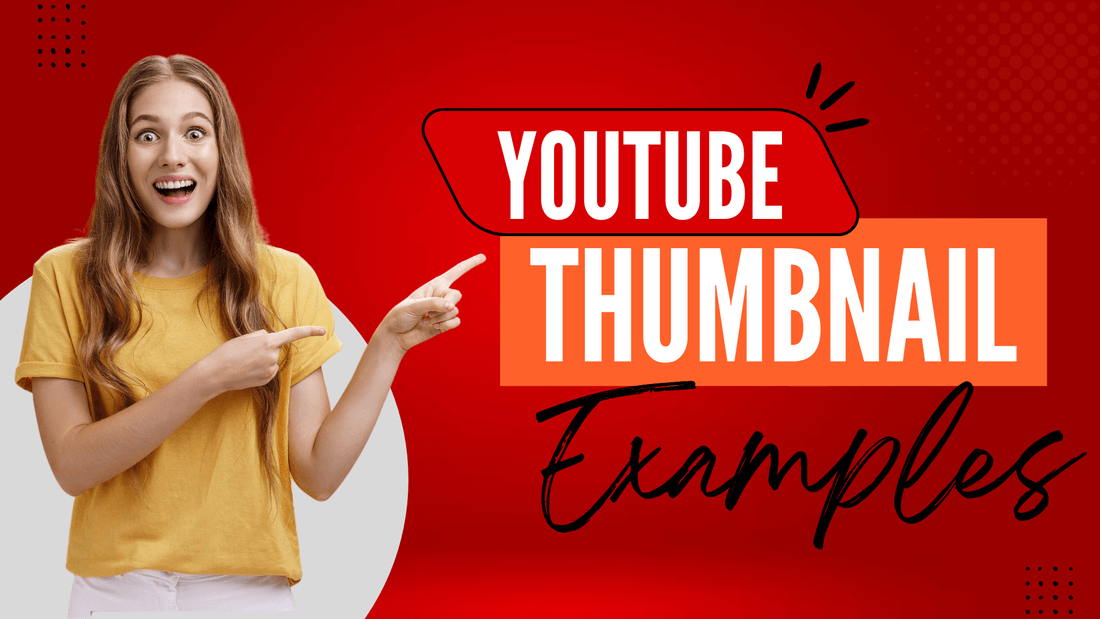
Image examples






Browse the directory
Compare AI editors, agents, generators, and the wider toolkit that supports modern AI-assisted building.
Explore tools