
Gemini YouTube Music Integration: How to Use AI for Your Playlists
Learn how to connect Gemini with YouTube Music. Use simple voice commands to find songs, create mood-based playlists, and discover new artists easily.
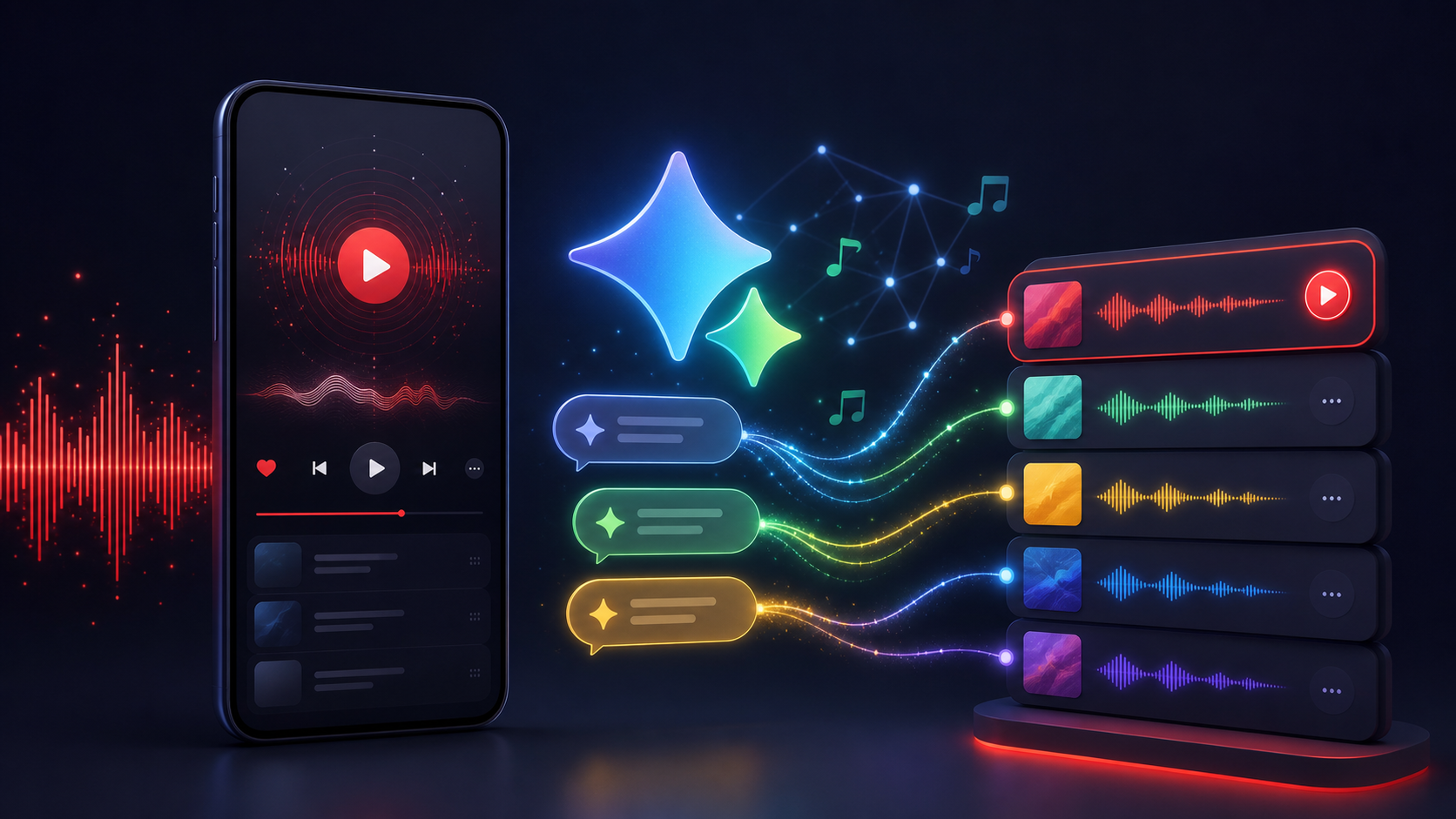
Gemini YouTube Music Integration: How to Use AI for Your Playlists
If you enjoy listening to music but find it tedious to search for the right songs or build playlists, the Gemini YouTube Music integration is a game-changer. Google has linked its AI assistant with its music library, making it much easier to control what you hear.
Instead of typing in search bars or scrolling through endless lists, you can just tell Gemini what you want. Whether you need something for a workout or just want to hear a song you barely remember, this feature handles it in seconds.
Here is how the integration works, how to get it running, and some practical ways to use it.
What is the Gemini YouTube Music Extension?
The Gemini YouTube Music extension is a tool that lets Google's AI interact with your music account. Once you turn it on, Gemini can find tracks, play specific artists, and even put together a list of songs based on what you ask for in plain English.
It is a big step up from older voice assistants. While those could only handle simple requests like "play some jazz," Gemini understands more detail. You can ask for "upbeat 90s pop for a drive," and it will pull the right tracks from YouTube Music without you having to do anything else.
How to Set Up the Gemini YouTube Music Integration
Setting this up is simple and takes less than a minute. You don't need any extra apps because it's already built into the Google system.
1. Open Gemini Extensions
Go to the Gemini app on your phone or open the website on your computer. Find the "Extensions" section in your settings or by clicking your profile icon.
2. Find YouTube Music
Look through the list of Google extensions until you see YouTube Music.
3. Turn it On
Switch the toggle to active. Gemini will ask for permission to access your music data. Once you confirm, you are ready to go.
Practical Ways to Use Gemini with YouTube Music
The best part about this integration is that you can talk to it naturally. You don't need to use specific "commands." Just say what's on your mind.
Find Songs with Just a Few Words
We've all had a song stuck in our head without knowing the name. With Gemini, you can just say or type some of the lyrics, like "Play that song that goes 'I'm waking up to ash and dust'." Gemini will figure out it's "Radioactive" by Imagine Dragons and start playing it.
You can also search by how you feel. Try asking for "chill beats for a late-night study session," and Gemini will find a mix that fits that mood.
Discover New Music
If you are tired of your usual rotation, Gemini can help you find something fresh. You can say, "I like The Weeknd and Daft Punk, who else should I listen to?" Gemini will look at those styles and suggest similar artists, then play their top hits for you.
Get Playlists for Specific Situations
The AI is great at matching music to what you are doing. You can give it a specific scenario:
- "Give me two hours of high-energy hip hop for the gym."
- "Play some quiet acoustic music for a rainy morning."
- "Find some classic rock hits from the 70s."
Gemini will put together a queue of songs immediately, so you don't have to pick them out one by one.
Why This Matters for AI Users
For people who follow sites like AIInLink to find helpful tools, this integration shows how AI is becoming more useful in everyday life. It isn't just for work or technical tasks anymore; it's about making your downtime better. It shows how AI can understand what you want and deliver it without any extra effort.
Frequently Asked Questions (FAQ)
Do I need to pay for YouTube Music to use this?
You can use the extension with a free account, but you will still hear ads. Some features, like playing music while the screen is off, might also be limited depending on your device. A Premium account gives you the smoothest experience.
Can Gemini play music while I use other apps?
Yes. If you have a mobile device and a YouTube Music Premium account, the music will keep playing in the background while you do other things on your phone.
Does this work on both phone and computer?
Yes, the extension works on the Gemini website and the mobile app for both Android and iPhone.
Can Gemini save songs to my own playlists?
Right now, Gemini is mostly for finding and playing music. It can create a temporary list of songs for you, but if you want to save them to a specific playlist you've already made, you'll usually need to do that manually in the YouTube Music app.
Want to see more ways AI can help you out? Check out the full directory at AIInLink to find the best AI tools for productivity, creative work, and more.
Browse the directory
Compare AI editors, agents, generators, and the wider toolkit that supports modern AI-assisted building.
Explore tools